How Do I Set Up Automatic Bill Payments at a Kazakhstani Bank?
One of the biggest headaches when you first land in Kazakhstan, beyond wrestling with the language barrier or understanding the nuances of the local bureaucracy, is simply managing your money and making sure bills get paid on time. Forget about missing a payment back home; here, it can lead to immediate disconnections or even fines. This guide is going to walk you through the ins and outs of setting up automatic bill payments at a Kazakhstani bank, helping you avoid those stressful last-minute dashes to the bank or Kaspi terminal.
Why Automated Payments are a Lifesaver for Expats in Kazakhstan
Living as an expat in Kazakhstan is an adventure, isn't it? But amidst the excitement of discovering new cafes, exploring the stunning mountains of Almaty, or navigating the futuristic architecture of Astana, there's the constant, underlying hum of administrative tasks. And chief among them is making sure your bills are paid. Trust me, I've been there, staring at a stack of utility bills written entirely in Kazakh, wondering if I'm about to accidentally pay for my neighbor's electricity.
Avoiding Late Fees and Service Disruptions
Let's be honest, nobody wants to incur late fees, especially not in a foreign currency you’re still getting used to. But beyond the monetary penalty, the real pain in Kazakhstan comes from service disruption. Miss a payment for your internet, and suddenly you're cut off from the world – no streaming your favorite shows, no video calls with family, no looking up urgent information. Miss a payment for electricity, and you could be plunged into darkness. It's not just an inconvenience; it can genuinely impact your daily life and work. Imagine trying to explain in broken Russian or Kazakh why your lights are off, only to find out it was a payment you completely forgot about. Setting up automatic payments eliminates this anxiety completely. You can focus on enjoying your life, knowing the essentials are covered.
Simplifying Your Financial Life in a New Country
When you first arrive, everything feels like a puzzle. Opening a bank account, getting your IIN, figuring out how to set up internet – it's a lot. Adding manual bill payments to that list just piles on the stress. Automating payments for your rent, utilities, mobile phone, and even understanding mandatory health insurance contributions in Kazakhstan frees up mental space. It allows you to concentrate on the bigger picture, like learning the language, settling into your job, or exploring your new surroundings. You'll spend less time queuing at a bank branch or trying to decipher receipts, and more time actually living. This simplification is invaluable for maintaining your sanity and truly feeling at home in Kazakhstan.
The Role of Local Banks and Payment Systems
Kazakhstan has a surprisingly modern and efficient digital banking landscape, especially with players like Kaspi.kz and Halyk Bank. These platforms are absolute game-changers for expats, allowing you to manage most of your financial life from your phone. Before these digital advancements, paying bills was a much more arduous process involving physical trips and cash payments. Now, whether you're dealing with utilities, mobile top-ups, or even tax obligations, a lot of it can be done with a few taps. It’s a huge relief, but understanding how to leverage these systems for automated payments is key. Knowing how to set up online banking with a Kazakhstani bank is your first step to unlocking this convenience.
The Nitty-Gritty: How to Set Up Auto-Payments with Kazakhstani Banks
Alright, let's get down to brass tacks. Setting up automatic bill payments in Kazakhstan isn't a one-size-fits-all approach, as it often depends on the type of bill and the bank you use. However, the general principles are quite similar across the major players.
Using Popular Banking Apps: Kaspi.kz and Halyk Bank
When it comes to digital payments, Kaspi.kz is undeniably the king in Kazakhstan. Most expats will find themselves using their services extensively, especially the Kaspi.kz mobile app, which is available in both Kazakh and Russian, and increasingly, with English interfaces. Halyk Bank is another major player with robust online banking features.
Kaspi.kz: Your Everyday Financial Companion
For many utilities, mobile services, and even some rent payments, Kaspi.kz offers a fantastic solution. Here's a general walkthrough:
- Open the Kaspi.kz App: Once you have your Kaspi Gold card and the app set up, log in. If you're still in the process, make sure to read how to open a bank account at a Kazakhstani bank as a foreigner.
- Navigate to "Payments" (Платежи): This is where all the magic happens. You'll see categories like "Utilities," "Mobile," "Internet & TV," "Fines & Taxes," and so on.
- Find Your Service Provider: For utilities (electricity, water, heating), you'll typically select "Utilities" and then find your specific provider, e.g., "Almaty EnergoSbyt" for electricity in Almaty. For mobile, it'll be your operator like Beeline, Kcell, or Tele2.
- Enter Account Details: You'll need your personal account number (лицевой счет) or contract number (номер договора) for the specific service. This is usually found on your paper bill or provided when you sign up for the service.
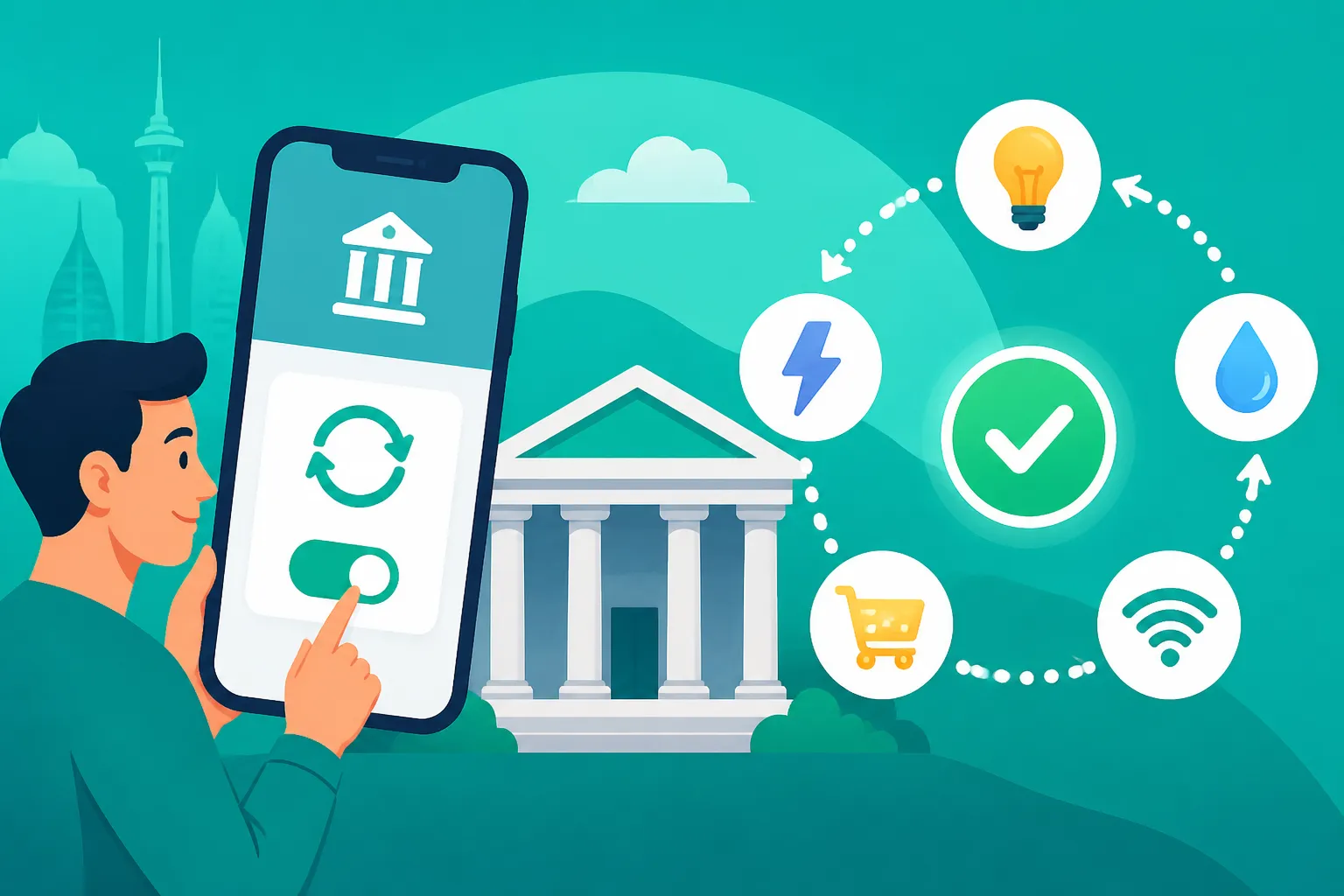
- Set Up Auto Payment: This is the crucial step. After entering your account details and seeing your outstanding balance, look for an option to "Auto-pay" (Автоплатеж) or "Subscribe to payments" (Подключить автоплатеж). Kaspi will usually prompt you to set a maximum amount, a payment date (e.g., first day of the month), and which of your Kaspi cards (e.g., Kaspi Gold) to draw from.
- Confirm and Save: Review the details and confirm. You'll usually receive an SMS or in-app notification once the auto-payment is set up successfully.
It's a straightforward process, but if you're ever stuck, don't hesitate to ask a local friend or colleague for help. They're usually very familiar with Kaspi and can guide you. You can find more comprehensive details on how to use Kaspi and local payment systems in Kazakhstan.
Halyk Bank (Homebank): Reliable and Robust
Halyk Bank's online banking platform, Homebank, is another powerful tool, especially for those whose salaries are paid into a Halyk account or who prefer a more traditional banking interface.
- Log into Homebank: Access the Homebank website or mobile app.
- Go to "Payments" (Платежи): Similar to Kaspi, you'll find a dedicated section for various bill payments.
- Select Your Service: Choose the type of bill (e.g., "Коммунальные услуги" for utilities, "Мобильная связь" for mobile).
- Enter Provider and Account Info: Input the specific provider and your account number.
- Look for Auto Payment/Recurring Payment Options: Halyk often has a "Создать автоплатеж" (Create auto-payment) or "Настроить регулярный платеж" (Set up regular payment) option. You'll specify the amount (either a fixed amount or to pay the full outstanding balance), frequency (monthly), and the date for the payment.
- Authorize: Confirm with your password or one-time code.
Homebank can be particularly useful for larger, less frequent payments or for businesses. For details on how to manage your finances with them, check out understanding the difference between Kaspi, Halyk and other banks in Kazakhstan.
Direct Debit for Specific Services
While less common for everyday utilities compared to the app-based methods, some service providers, particularly for rent or loan repayments, might offer direct debit arrangements. This is more common if you're renting from a professional agency or a larger landlord.
- Rent Payments: Some rental agreements, especially with expat-focused agencies, can include a clause for automatic deduction from your Kazakhstani bank account. This requires a signed mandate between you, your bank, and the landlord. Always scrutinize these agreements and ensure you understand the terms, including notice periods for cancellation.
- Loan Repayments: If you take out a loan from a local bank, automatic deductions from your linked bank account are almost always the default. This is usually set up during the loan application process itself.
Always ensure you have sufficient funds in your account to cover these direct debits to avoid penalties and maintain a good financial standing.
Setting Up Payments for Taxes and Other Government Services
Paying taxes in Kazakhstan can feel a bit daunting, but many tax payments, like individual income tax or property tax, can also be automated or scheduled through banking apps or the eGov portal.
- Individual Income Tax: If you are self-employed or need to make regular tax contributions, your bank's app (Kaspi, Halyk) will often have a "Taxes" section. You can use your IIN (Individual Identification Number) to find outstanding obligations. While full "auto-pay" for varying tax amounts might not be available, you can often save payment templates and schedule them. For more details on your tax obligations, refer to how much income tax will I pay in Kazakhstan in 2026?.
- Property Tax: For homeowners, property tax payments can also be made via banking apps or the eGov portal. You can find out how do I pay my property tax in Kazakhstan? and often save these payments for quick execution each year.
For complex tax situations, especially if you have foreign income, it's always wise to consult with a local tax expert. Services like Taxes for Expats can provide tailored advice for navigating the Kazakhstani tax system, ensuring you’re compliant and making the most of any double taxation agreements.
Table: Common Bill Payment Methods in Kazakhstan
| Bill Type | Primary Method(s) | Automation Capability | Notes |
|---|---|---|---|
| Utilities (Electricity, Water, Heating) | Kaspi.kz app, Halyk Bank app, physical terminals | High (Kaspi.kz is excellent for auto-pay) | Requires лицевой счет (account number) for each utility. |
| Mobile Phone | Kaspi.kz app, Halyk Bank app, operator's app, physical top-ups | High (auto-top-up available on most apps) | Can set monthly top-ups or specific balance triggers. |
| Internet & TV | Kaspi.kz app, Halyk Bank app, provider's portal | High (many providers support auto-payment via banks) | Often linked to a contract number. |
| Rent | Bank transfer, cash, direct debit (less common) | Medium (depends on landlord/agency; bank transfers can be scheduled) | Always get a receipt for cash payments. Scheduled transfers require vigilance. |
| Taxes (Income, Property) | Kaspi.kz app, Halyk Bank app, eGov portal, physical terminals | Low to Medium (templates/scheduled payments, not full auto-pay for varying sums) | Requires IIN. Check for outstanding balances on eGov. |
| OSMS Contributions | Kaspi.kz app, Halyk Bank app, eGov portal | High (can often be linked to payroll or self-payment schedule) | Essential for accessing public healthcare. See how to register for OSMS health insurance in Kazakhstan (2027). |
Navigating Common Challenges and Tips for Success
Even with the ease of digital payments, there can be a few bumps in the road when setting up automatic bill payments in Kazakhstan. Knowing what to look out for can save you a lot of grief.
Understanding Account Numbers and Provider Names
One of the most common stumbling blocks for new expats is correctly identifying their account numbers and the precise names of service providers. Bills here often use "лицевой счет" (lit. personal account) or "номер договора" (contract number). These are absolutely crucial for ensuring your payment goes to the correct place.
Hypothetical Scenario: You've just moved into your new apartment in Almaty and receive your first electricity bill. It's in Kazakh, and you're staring at a string of numbers. Instead of guessing, try using a translation app or asking your landlord or a trusted local friend to point out the "лицевой счет." This number is what you'll input into Kaspi.kz or Halyk Bank when setting up your automatic payment for the correct provider, like "Almaty EnergoSbyt" (АлматыЭнергоСбыт). Don't just pick the first "electricity" option; make sure the provider matches exactly what's on your bill. Misidentifying can lead to your payment being "lost" or credited to the wrong account, causing unnecessary hassle.
Dealing with Variable Amounts and Balance Checks
Some automatic payment systems allow you to pay a fixed amount, which is great for mobile top-ups or fixed internet plans. However, for utilities like electricity, water, and heating, the amount will vary each month based on usage.
- Kaspi.kz's Smart Approach: Kaspi.kz is quite clever here. When setting up an auto-payment for utilities, it often has an option to "pay the full outstanding balance" or to set a "maximum amount." Choosing the former is generally best for utilities. This ensures the correct, variable amount is paid.
- Regular Checks: Even with auto-payments, it's a good habit to check your bank app or the service provider's portal once a month to ensure the payment went through correctly and the balance is zero. Sometimes, technical glitches or changes in your service plan can cause issues. It's far easier to catch and fix a problem early than to deal with a service disconnection.
Language Barriers and Customer Support
While banking apps are becoming more expat-friendly, most customer support for service providers will still be in Kazakh or Russian. If you encounter an issue with an automatic payment, and it's not a bank-side problem, you might need to contact the utility company directly.
- Phrases to Know: Learning a few key phrases like "у меня проблема с автоплатежом" (I have a problem with auto-payment) or "платеж не прошел" (the payment didn't go through) can be incredibly helpful.
- Utilize Translation: Don't be shy about using online translation tools for messages or even during phone calls.
- Bank Support: For issues directly related to the auto-payment setup within the banking app, contact your bank's customer support first. Kaspi.kz, for example, has excellent in-app chat support that can often handle English queries.
Using Third-Party Services for International Payments
For some expats, especially those managing finances across borders or sending money home, integrating international payment services can be beneficial. While not for local bill payments directly, services like Wise (formerly TransferWise) are invaluable for currency exchange and international transfers. If you need to top up your Kazakhstani bank account from an international one to ensure funds for your automatic payments, Wise offers competitive rates and transparent fees. This can be a vital link in your financial chain, ensuring you always have enough local currency to cover your automated debits. It's all part of building a solid financial infrastructure here, from how to transfer money into and out of Kazakhstan as an expat to ensuring your local bills are paid.
Keeping Records
Even in a digital age, having a digital record of your payments is smart. Most banking apps store payment history. Occasionally, a service provider might claim a payment wasn't received. Being able to pull up a screenshot of the successful transaction, complete with date, amount, and transaction ID, can quickly resolve these issues. It is wise to take a screenshot of the "successful payment" confirmation page, especially for the first few automated payments, just for peace of mind.
By taking the time to set up automatic bill payments, you're not just saving yourself time; you're significantly reducing a major source of expat stress. Embrace the digital convenience offered by Kazakhstani banks and enjoy your time in this fascinating country without the constant worry of forgotten bills.
Disclaimer
The information provided in this guide is intended for general informational purposes only and does not constitute financial, legal, or professional advice. While efforts have been made to ensure accuracy and timeliness, regulations, policies, and procedures in Kazakhstan are subject to change. Always verify information with official sources, financial institutions, or qualified professionals before making any decisions. The author and publisher are not responsible for any actions taken or not taken based on the information presented herein.